CONDTROL Smart-Measure: DXF export & pro workflows for your measurements
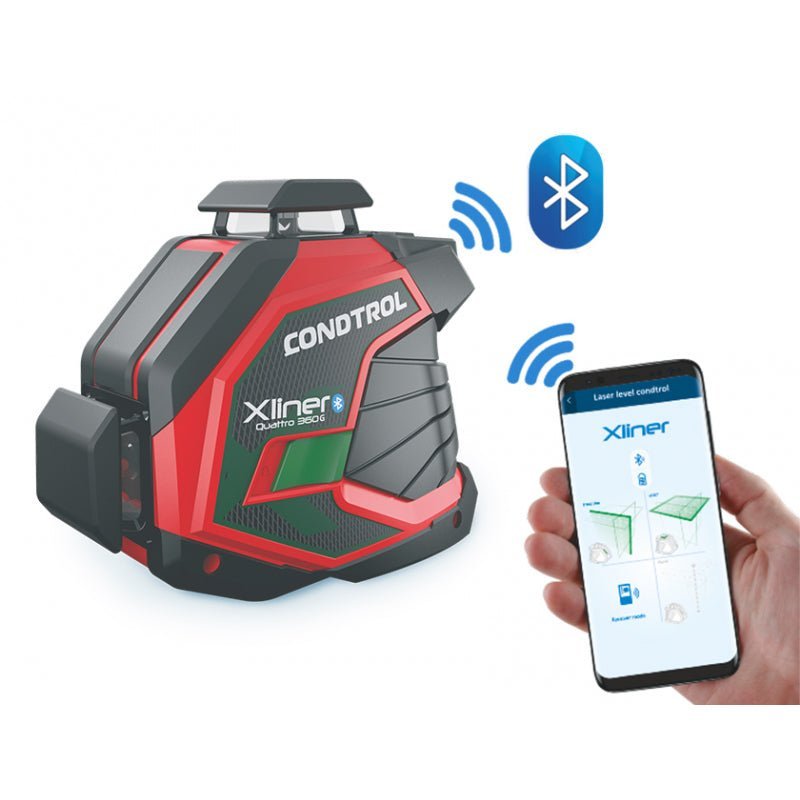
With Smart-Measure you transfer readings live via Bluetooth, create photo sketches, export results as DXF, PDF or CSV and document your measurements in seconds. The highlight: DXF can be processed directly in CAD/BIM – a feature that free apps on the market rarely offer.

In this article
What can Smart-Measure do?
- Live transfer of readings via Bluetooth to the app.
- photo sketches with dimensions drawn in (rooms, facades, openings).
- DXF export for CAD/BIM (editable geometry: lines/polylines/points).
- PDF for quotes, acceptance and QA reports.
- CSV for calculations, spreadsheets and transfer to third-party systems.
- Logs with time stamp, project/location and notes.
Note: the range of functions may vary depending on the device model. For details, see the product page of your measuring tool.
Compatible tools
The following CONDTROL models support Smart-Measure (depending on version/firmware):
Check tools now: All distance meters
Export formats & handover


| Format | Suitable for | Advantage |
|---|---|---|
| DXF | Further processing in CAD/BIM | Editable geometry (lines/polylines/points). Ideal for floor plans, facades, detailed measurements. |
| Quotes, acceptance, QA | Readable report with photo sketches, dimensions, notes and time stamp. | |
| CSV | Calculation, spreadsheets, ERP | Structured lists of readings for further calculation and import. |
DXF advantage: Many free apps lack this feature or charge for it. With Smart-Measure you get a direct CAD handover without detours.
Practical workflows (indoors & outdoors)
Interior finishing & documentation
- Place the tool flat against the reference surface, select the correct measuring reference (front/back).
- Transfer readings via Bluetooth and create photo sketches (doors, windows, niches, axes).
- Export as DXF and continue editing directly in CAD at the office.
Outdoors & long distance
- Use a tripod and activate the Timer (for stable reproducibility).
- Aim precisely at distant targets with the viewfinder/camera (depending on model).
- Save the measurement series in CSV/PDF; refine contours later in DXF.
Pairing & getting started in 60 seconds
- App Smart-Measure: install it on iOS/Android and activate Bluetooth.
- Switch on the measuring tool → in the app menu select Pair device → tap the tool in the list.
- Create a project, select the unit, trigger the first measurement and add the value to the sketch.
Tip: for outdoor measurements use a target plate & tripod; average several measurements.
FAQ
What does DXF export give me compared with PDF?
DXF is editable: lines and points can be reused in CAD/BIM, assigned to layers and edited. PDF is ideal as a report but cannot be edited geometrically.
Which tools does Smart-Measure work with?
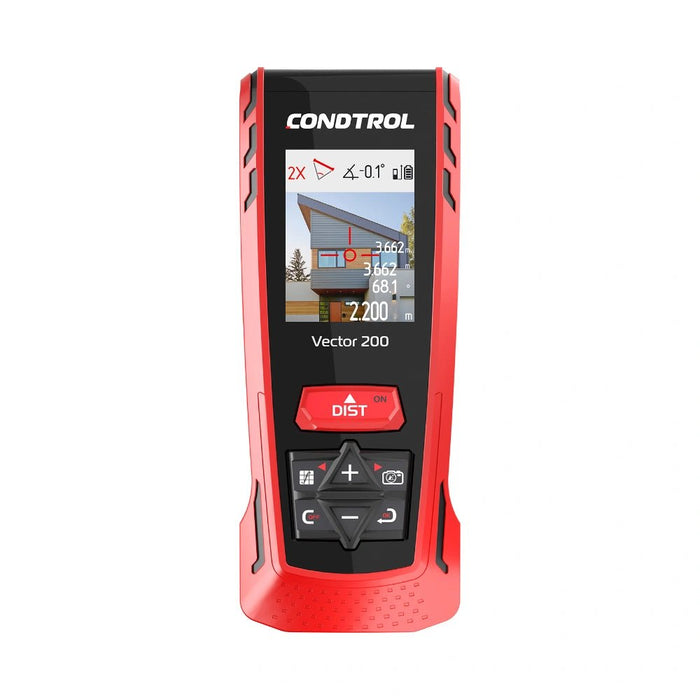
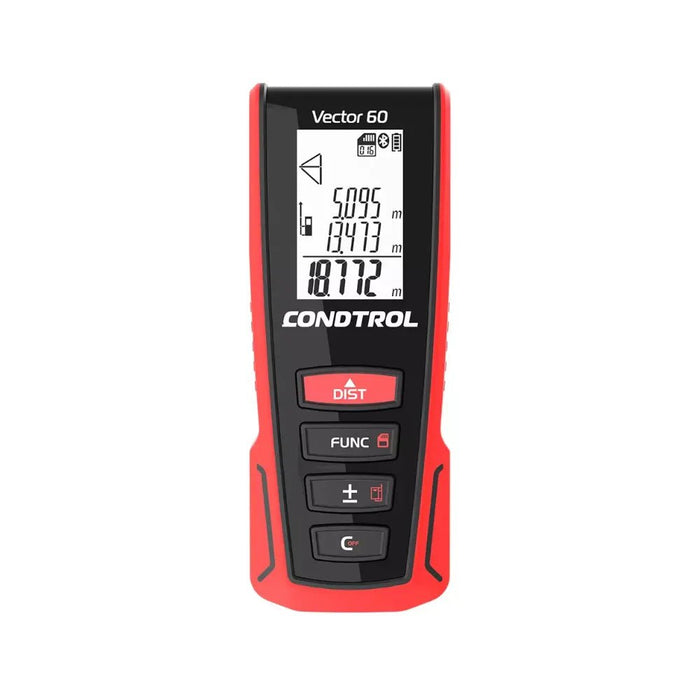
Vector 60 · 80 · 100 · 150 · 200 as well as XP3 · XP3 Green · XP3 Pro · XP4 · XP4 Pro · XP5. The range of functions may vary depending on model/firmware.
Which formats can I export?
DXF, PDF and CSV. DXF for CAD/BIM, PDF for reports/acceptance, CSV for calculation & import.
Is the app free?
Yes, use with compatible CONDTROL tools is free. Any premium functions are indicated in the app.
How do I save projects for customer reports?
Create photo sketches in the app, add readings and export them as PDF. Optionally also attach DXF for CAD and CSV for spreadsheets/calculation.