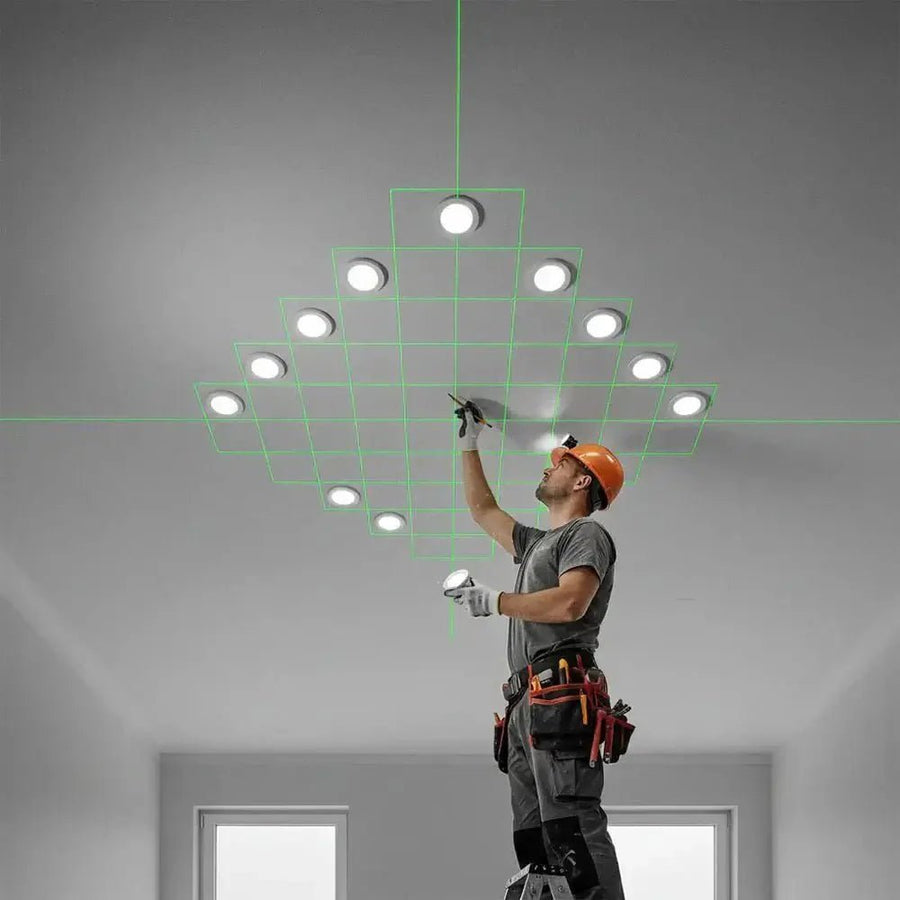
XLiner Remote: app control for professional cross-line lasers

In this article
Category: cross-line lasers · XLiner Quattro 360G · Omniliner · TruSlope · Tripods & telescopic poles · 2+1 years' warranty
Why a Bluetooth app is better than an IR remote control
- No line of sight: Bluetooth works through obstacles – ideal when the laser sits behind profiles or under the ceiling.
- Always to hand: your smartphone instead of an additional remote with button cells.
- More precise & safer: no trips up the ladder, no accidental shifting of the tool.
- Save battery: fine-tune brightness and pulse mode → longer runtimes.
Functions in practice
- Switch planes: activate/deactivate horizontal/vertical/360° individually (depending on model).
- Adjust brightness: adapt the line to ambient light, reduce eye strain.
- Pulse mode: for working with a receiver over longer distances.
- Battery status: keep an eye on the remaining runtime, charge/swap in good time.
Tip: align the laser on a tripod/telescopic pole, then control everything conveniently in the app.
Typical scenarios
- Ceiling mounting: the tool stays exactly aligned; plane changes & brightness are controlled remotely.
- Working alone: mark → tap in the app → next plane – without an assistant and without walking back and forth.
- Outdoors with a receiver: switch on pulse mode and reduce brightness to save battery.
- Fine alignment: dim slightly until the line lies exactly on the mark.
Supported tools
The XLiner Remote app is designed for professional CONDTROL cross-line lasers: XLiner · Omniliner · TruSlope. Please check the respective product page for Bluetooth/app compatibility.
How-to: get started in 3 steps
- Connect: switch on the laser, open the app, pair via Bluetooth.
- Position: align the laser exactly on the tripod/ceiling pole and fix it.
- Control: select planes, brightness, pulse mode in the app; watch the battery level.
Download: App Store (iOS) · Google Play (Android)
FAQ
Is the app really free?
Yes. XLiner Remote is free and available in the App Store and on Google Play.
What is the range of the app control?
Bluetooth does not need a line of sight and is much more robust indoors than IR remote controls. The effective range depends on the environment and the tool.
What are the advantages of pulse mode?
It optimises work with a receiver over longer distances and helps extend battery life at the same time.